Visible while the meeting happens
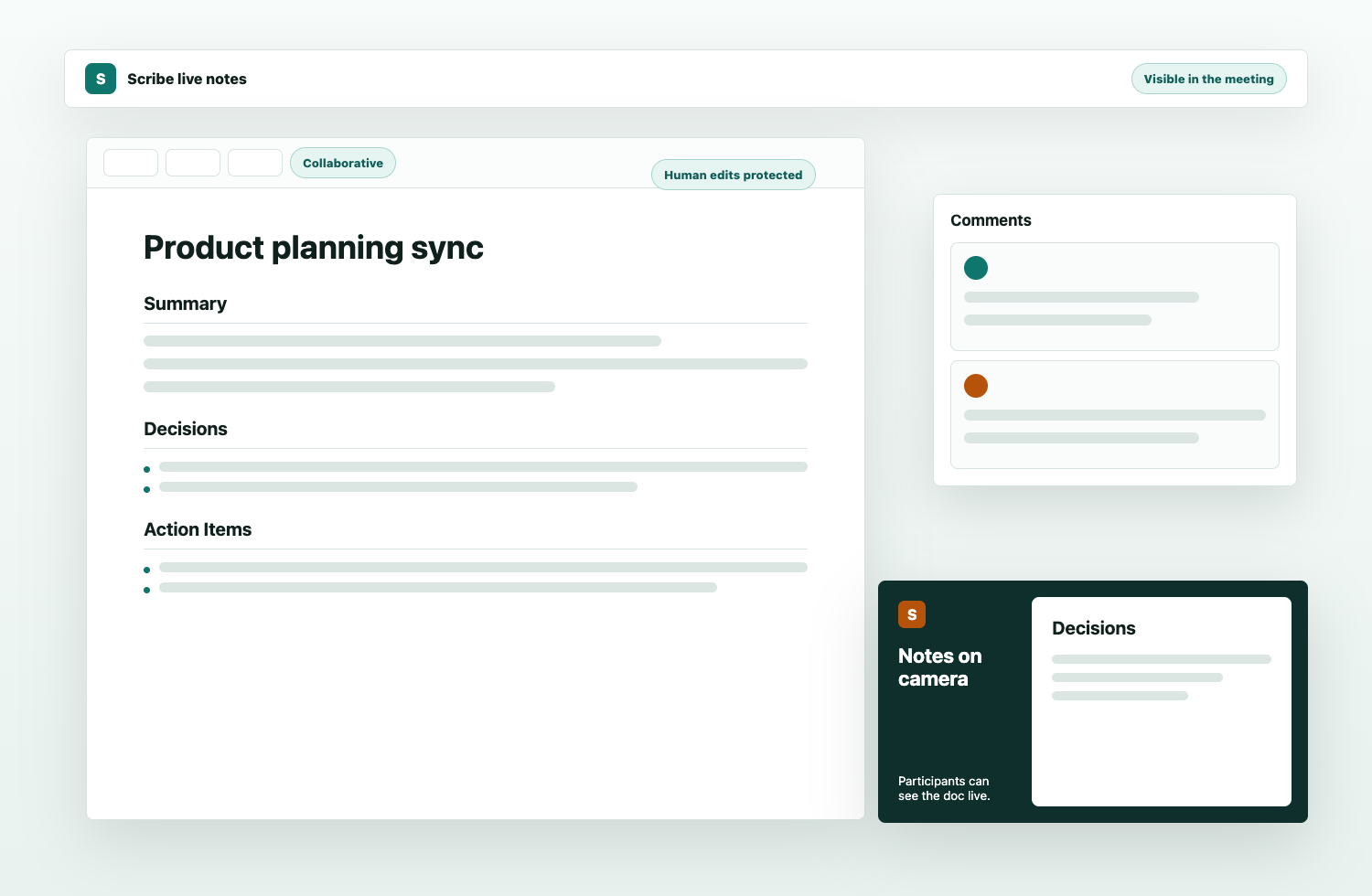
Scribe’s camera feed mirrors the live notes document, so the record is part of the call instead of a private artifact discovered later.
Scribe
Scribe is a meeting bot whose video feed is the notes document: visible, editable, and correctable while the conversation is still happening.
What makes it different
Most AI notetakers create a private summary after the fact. Most non-AI notes depend on one person typing fast enough. Scribe makes the record visible to the meeting itself.
Scribe’s camera feed mirrors the live notes document, so the record is part of the call instead of a private artifact discovered later.
Participants can edit and comment in the shared doc, and Scribe is designed around protected human-written sections.
The bot can listen for transcript and chat signals, then propose structured updates without replacing collaborative judgment.
Comparison
Direct comparisons
Source-backed pages for the common alternatives: AI transcripts, personal notepads, native meeting assistants, and manual notes.
Workflow
Connect the dedicated calendar account, review upcoming events, or paste a Zoom or Google Meet link for an immediate join.
Scribe joins as a meeting bot whose video output is the live notes surface, making the record visible to everyone.
People can open the signed no-login link, edit notes, add comments, and correct what matters before the meeting moves on.
After the meeting, Scribe can send the polished record to the connected Google Docs destination.
Why teams choose it
Ready when the meeting starts
Open Scribe, connect the calendar account, and choose which meetings should get a live collaborative note surface.
Open Scribe